When someone contacts your business, the first few minutes matter.
A potential customer may submit a form, send an email, or request information through another channel. From there, someone needs to notice the inquiry, record the details, determine what happens next, and follow up.
When that process is handled manually, inquiries can sit in an inbox, get entered inconsistently, or be overlooked during a busy day.
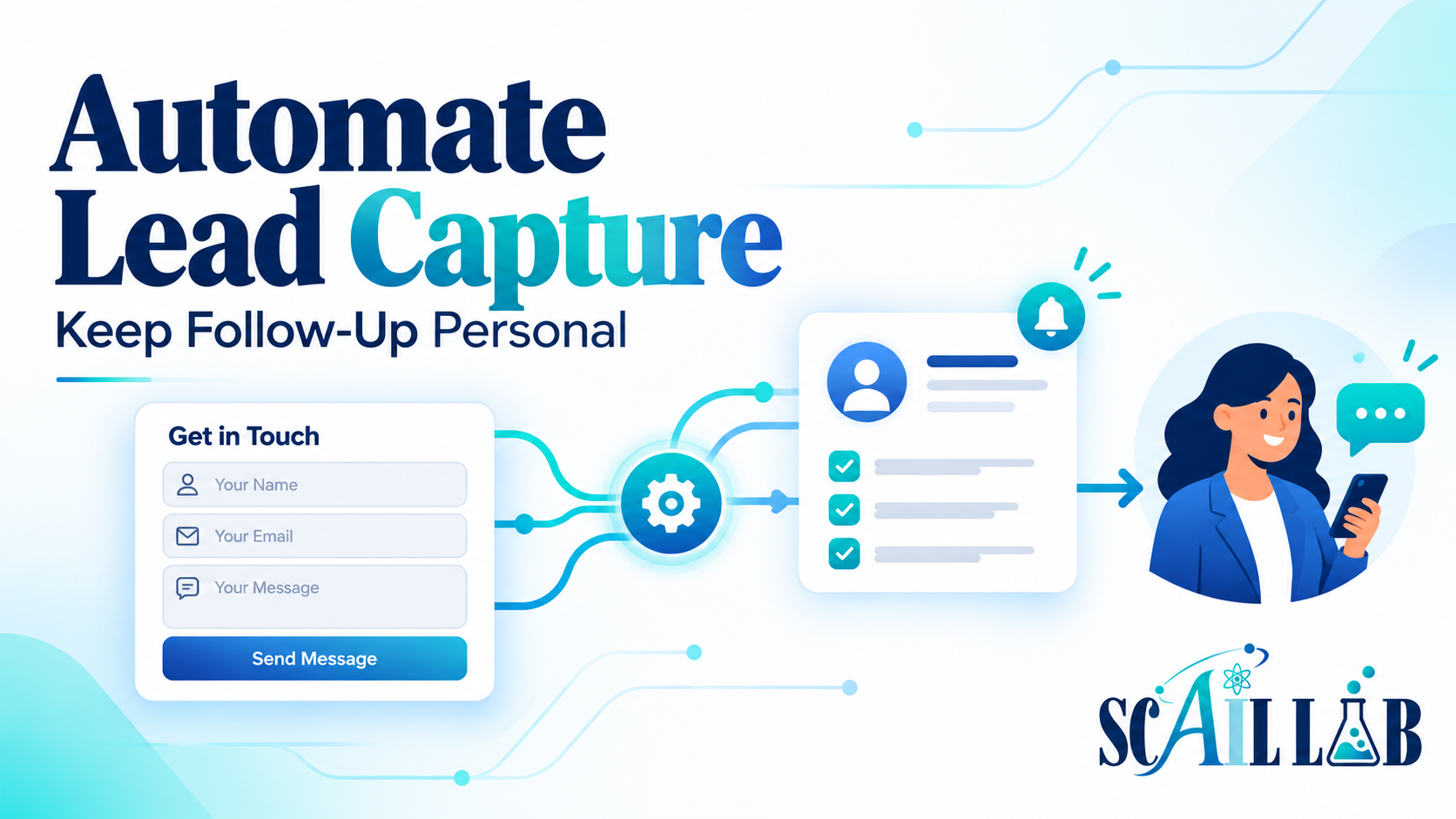
Lead capture automation can help—but it should not make the experience feel impersonal. The goal is to make sure every inquiry is received, organized, and assigned while leaving meaningful communication and judgment with the right person.
What is lead capture automation?
Lead capture automation uses software to collect information from a new inquiry and move it into the next step of the business process.
A workflow might:
- Receive information from a website form
- Validate required fields
- Record the inquiry in a spreadsheet or CRM
- Send an acknowledgment to the person who submitted it
- Notify the appropriate team member
- Categorize or route the inquiry
- Create a task for follow-up
- Log the activity for later review
For example, a website form could send information through a webhook to Make.com. The workflow could then save the details, notify the person responsible for responding, and send the potential customer a confirmation that their inquiry was received.
The specific tools may vary. The important part is creating a reliable path from initial contact to human follow-up.
Why manual lead handling causes problems
Manual lead handling often depends on memory and availability.
Someone may assume another employee responded. A form submission may be buried beneath other email. Information may be copied into the wrong record or left out entirely. A person may intend to follow up later and then lose track of the inquiry.
These problems can affect more than response time. They can also create:
- Unclear ownership
- Incomplete customer records
- Duplicated entries
- Inconsistent communication
- Missed opportunities
- Difficulty measuring inquiry volume and follow-up
Automation does not eliminate these risks by itself. It creates a consistent starting point and makes the process easier to monitor.
How to keep lead capture personal
Automation should handle coordination, not replace the relationship.
A useful workflow can send a short acknowledgment such as:
Thanks for reaching out. We received your information and someone from our team will review it soon.
That message confirms receipt without pretending that a person has already evaluated the request.
The next step should go to a real team member. Depending on the inquiry, that person may need to ask questions, provide a quote, schedule a conversation, or determine whether the business is the right fit.
The automation should make that follow-up easier by providing all the lead’s information in one place and showing who owns the next step.
What should happen when an inquiry is unusual?
Not every inquiry should follow the same path.
A request may be missing important information, contain conflicting details, appear urgent, or fall outside the normal service area. If the workflow tries to handle every situation automatically, it may send the wrong message or route the inquiry incorrectly.
Instead, define exception rules.
For example, the workflow can send an inquiry for human review when:
- Required information is missing
- The system cannot determine the appropriate category
- The request appears urgent
- An automated classification has low confidence
- A duplicate inquiry is detected
- The request does not match established business rules
This creates a balance between speed and care. Routine inquiries can move forward efficiently, while unusual cases receive personal attention.
What should be decided before building the workflow?
Before automating lead capture, review the current process.
Identify:
- Where inquiries come from
- Which information must be collected
- Where the information should be stored
- Who receives the notification
- Who owns follow-up
- What acknowledgment should be sent
- Which inquiries require review
- How duplicates should be handled
- How completion will be recorded
It is also important to choose a source of truth. If lead information is spread across several inboxes, spreadsheets, and notes, the workflow may create more confusion instead of less.
A simple, well-defined process is usually a better starting point than a complex system with too many branches.
How do you know if it is working?
Lead capture automation should be measured by business outcomes, not just whether the workflow runs.
Useful measures may include:
- Time from inquiry to acknowledgment
- Time from inquiry to personal response
- Percentage of inquiries assigned an owner
- Number of incomplete records
- Number of stalled follow-ups
- Duplicate inquiry rate
- Routing accuracy
- Number of manual steps
The goal is not to remove people from the process. It is to reduce avoidable delays so people can spend more time having useful conversations with potential customers.
Need a more dependable path from inquiry to follow-up?
Scail Lab helps businesses design practical lead-capture and follow-up systems around the tools they already use. Services include workflow audits, automation design, systems integration, documentation, and training.
Based in the St. Louis Metro East, Scail Lab provides onsite consulting for local businesses and remote services for clients beyond the area.
Contact Scail Lab