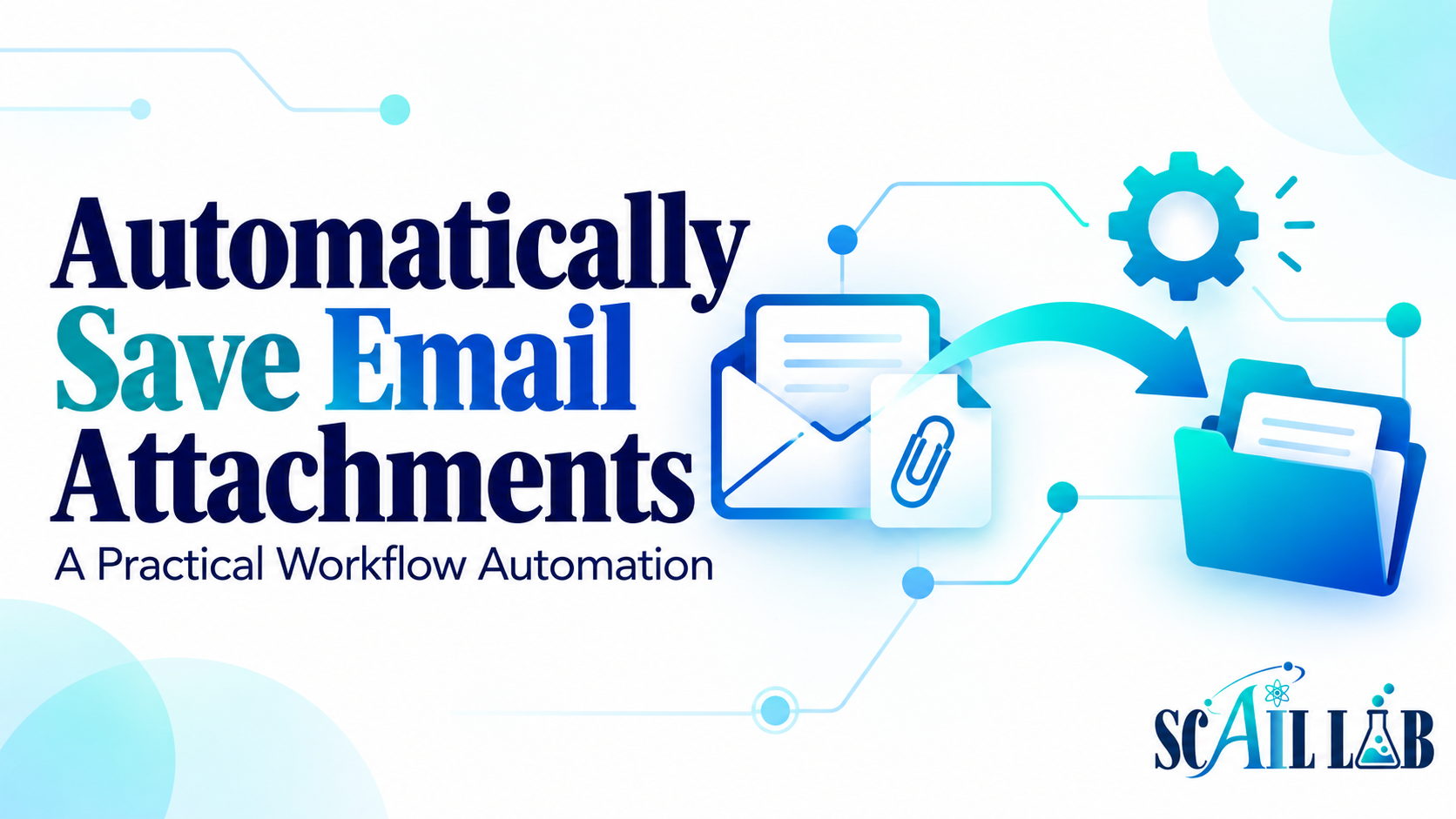
Email attachments are part of many business processes. Invoices, applications, reports, forms, orders, and client documents may arrive in an inbox every day.
Someone then has to open the email, identify the attachment, download it, rename it, and save it in the right folder. That process is easy to overlook and difficult to keep consistent as volume grows.
A workflow can handle the predictable steps automatically while leaving exceptions and decisions with a person.
What the workflow does
A practical email attachment workflow can:
- Watch a specific inbox or folder
- Identify messages that match defined criteria
- Check whether an attachment is present
- Save the file to the correct location
- Apply a consistent filename
- Record the email, sender, date, and file path
- Notify someone when review is needed
The exact tools may vary. The important part is defining the process clearly enough that the system knows what belongs on the normal path and what needs attention.
Start with clear rules
Before automating, decide which messages should be included. Useful rules might include the sender, subject line, mailbox folder, file type, or a phrase in the message.
Specific rules reduce the risk of saving unrelated files. If several types of documents arrive through the same inbox, the workflow can route them to different folders based on those rules.
Choose a consistent naming system
A file is easier to find when its name contains useful information. Depending on the process, that may include a customer name, document type, date, order number, or project identifier.
It is also important to handle duplicate filenames. A workflow should have a defined behavior when a file already exists—such as adding a timestamp, creating a version, or sending the item for review.
Design for missing information and exceptions
Not every email will be complete. An attachment may be missing, the file type may be unexpected, or the message may not contain enough information to choose a folder safely.
Those cases should not disappear silently. The workflow can flag the message, preserve the original email, and route it to a person with enough context to resolve the problem.
Human review is especially important for sensitive documents, uncertain classifications, and records that affect customers, finances, or compliance.
Keep a useful record
Saving the attachment is only part of the process. A log can make the workflow easier to monitor and troubleshoot. It might record the message date, sender, subject, attachment name, destination, processing status, and any error or review reason.
That record helps answer simple but important questions: Was the file received? Where was it saved? Did the workflow fail? Has someone reviewed the exception?
Test the normal path and the edge cases
Start with representative messages and test the complete process. Then test messages with no attachment, multiple attachments, duplicate filenames, unexpected file types, missing identifiers, and unusual senders.
Document what should happen in each case. A workflow is more dependable when the people responsible for it know how to monitor it, correct an exception, and maintain the rules over time.
Automation should make the record clearer
The goal is not simply to move files faster. It is to create a dependable path from incoming email to an organized business record.
When the rules are clear, the destination is consistent, and exceptions are visible, automatic attachment handling can reduce repetitive work without removing human control.
Have an inbox process worth improving?
Scail Lab helps businesses map recurring work, connect the tools they already use, and build practical automation around real-world operations.
Talk through your workflow