Most businesses have workflows, whether they have formally designed them or not.
A customer submits an inquiry. An employee responds. Information is entered into one or more systems. Tasks are assigned, completed, reviewed, and recorded.
When the process works, it may be nearly invisible. When it does not, the same problems keep occurring: missed follow-ups, unclear responsibilities, duplicated work, and employees relying on memory to keep everything moving.
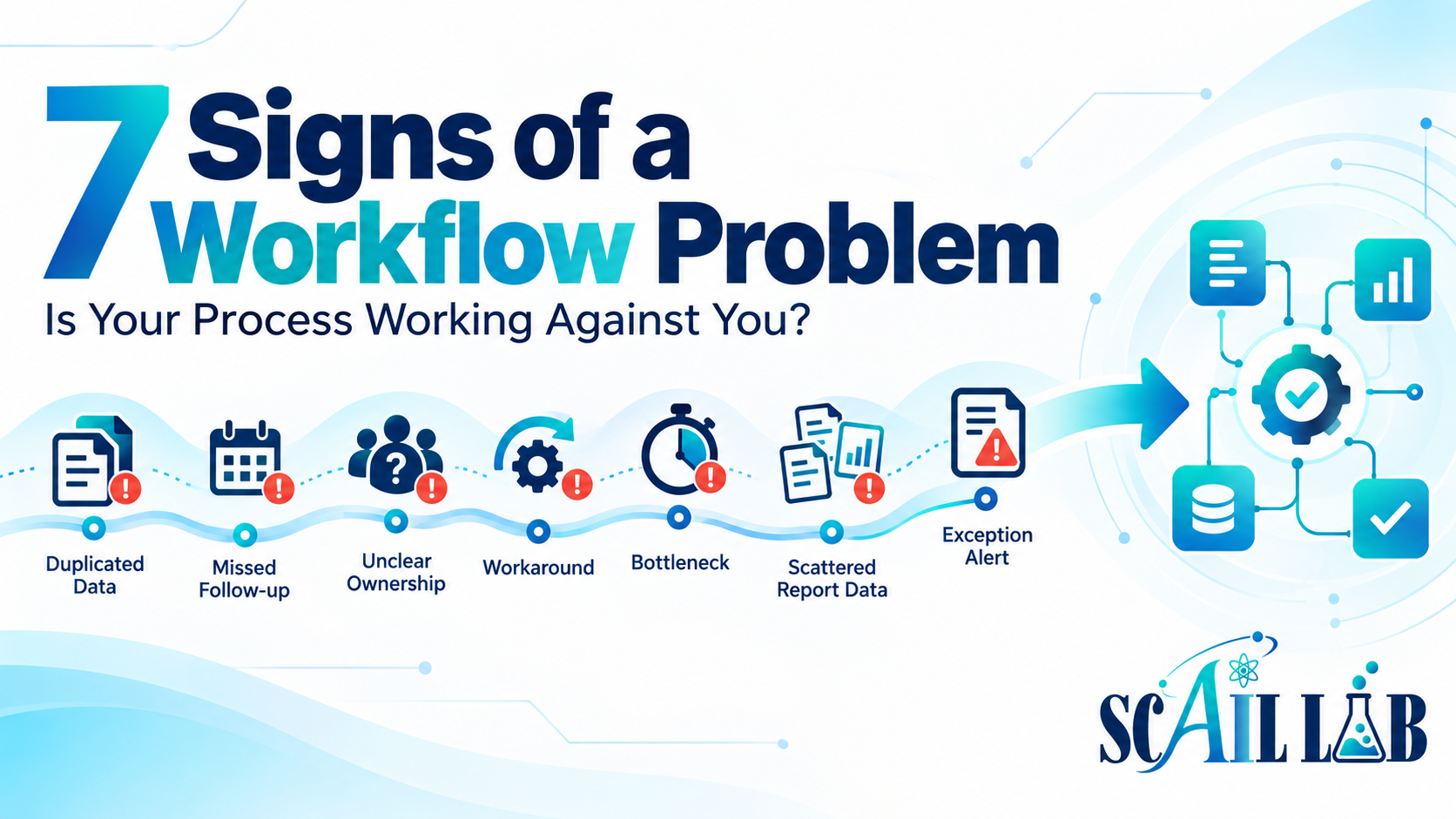
Here are seven signs your business may have a workflow problem.
1. The same information is entered more than once
If someone copies the same customer, order, project, or contact information into multiple systems, there may be an opportunity to improve the process.
Repeated data entry takes time and increases the possibility of inconsistent or incomplete records. It can also make it difficult to know which system contains the most current information.
The solution may be as simple as connecting two tools, standardizing the intake process, or deciding which system should serve as the primary record.
2. Follow-up depends on someone remembering
A process is fragile when the next step exists only in someone’s head, inbox, or handwritten notes.
This often happens with leads, appointments, quotes, invoices, customer questions, and internal approvals. Everyone may understand that follow-up is important, but no clear trigger or owner exists.
A stronger workflow records the request, assigns responsibility, and creates a visible reminder or task. Automation can help initiate those steps, but people should still handle conversations and decisions that require judgment.
3. No one is sure who owns the next step
A task can be delayed even when everyone is working hard if no one knows who is responsible for moving it forward.
Unclear ownership commonly appears between departments, during handoffs, or when several people have access to the same inbox or system. The result may be duplicated effort—or no action at all.
Every important workflow should make ownership clear. Someone should know who receives the information, who acts on it, and who confirms completion.
4. Employees use workarounds to get things done
Workarounds are useful clues.
If employees maintain private spreadsheets, forward messages to personal inboxes, create duplicate records, or use unofficial steps to complete routine work, the official process may not match the real day-to-day operations.
The workaround may be solving a real problem that the existing workflow does not address. Before removing it, find out why it exists and whether the underlying issue can be fixed.
5. Small interruptions cause major delays
A healthy process should not stop completely because one person is unavailable or one tool experiences a problem.
If a vacation, sick day, busy afternoon, or missing email causes work to stall, the process probably lacks visibility or documentation.
A reliable workflow should show what has been received, what is waiting, what has been completed, and what needs attention. It should also define what happens when information is missing or something fails.
6. Reporting requires a manual scavenger hunt
Reports are difficult to prepare when information is scattered across email, spreadsheets, forms, accounting tools, project systems, and other platforms.
Someone may spend hours locating files, checking dates, copying figures, and trying to determine whether the information is complete. By the time the report is finished, there may be little time left to interpret it.
Automation can collect and organize recurring information, but the process should also define which data matters, how it is checked, and what action should follow.
7. The process works—until something unusual happens
Many workflows handle the normal path well but fail when a request is incomplete, duplicated, urgent, or simply different.
That is not necessarily a reason to abandon automation. It is a reason to design for exceptions.
A good workflow identifies what should happen when information is missing, an AI result is uncertain, a customer needs special attention, or an approval is delayed. The system should flag the exception and route it to a person instead of silently moving forward.
What should you do if you recognize these signs?
Do not begin by automating every step.
Start by documenting the current process. Identify the trigger, the tools involved, the handoffs, the decisions, the owner of each step, and the points where work is delayed or duplicated.
Then choose one process that is clear enough to improve and important enough to matter. Test the normal path as well as common edge cases. Document the finished workflow and make sure the people responsible for it know how to monitor and maintain it.
Automation may be part of the solution, but it is not always the first step. Sometimes the most valuable improvement is a clearer handoff, a standardized form, a written procedure, or a single source of truth.
Ready to examine the workflow itself?
Scail Lab helps businesses identify workflow problems and build practical systems around real-world operations—including workflow audits, process improvement, automation, systems integration, documentation, and training.
Based in the St. Louis Metro East, Scail Lab provides onsite consulting for local businesses and remote services for clients beyond the area.
Contact Scail Lab