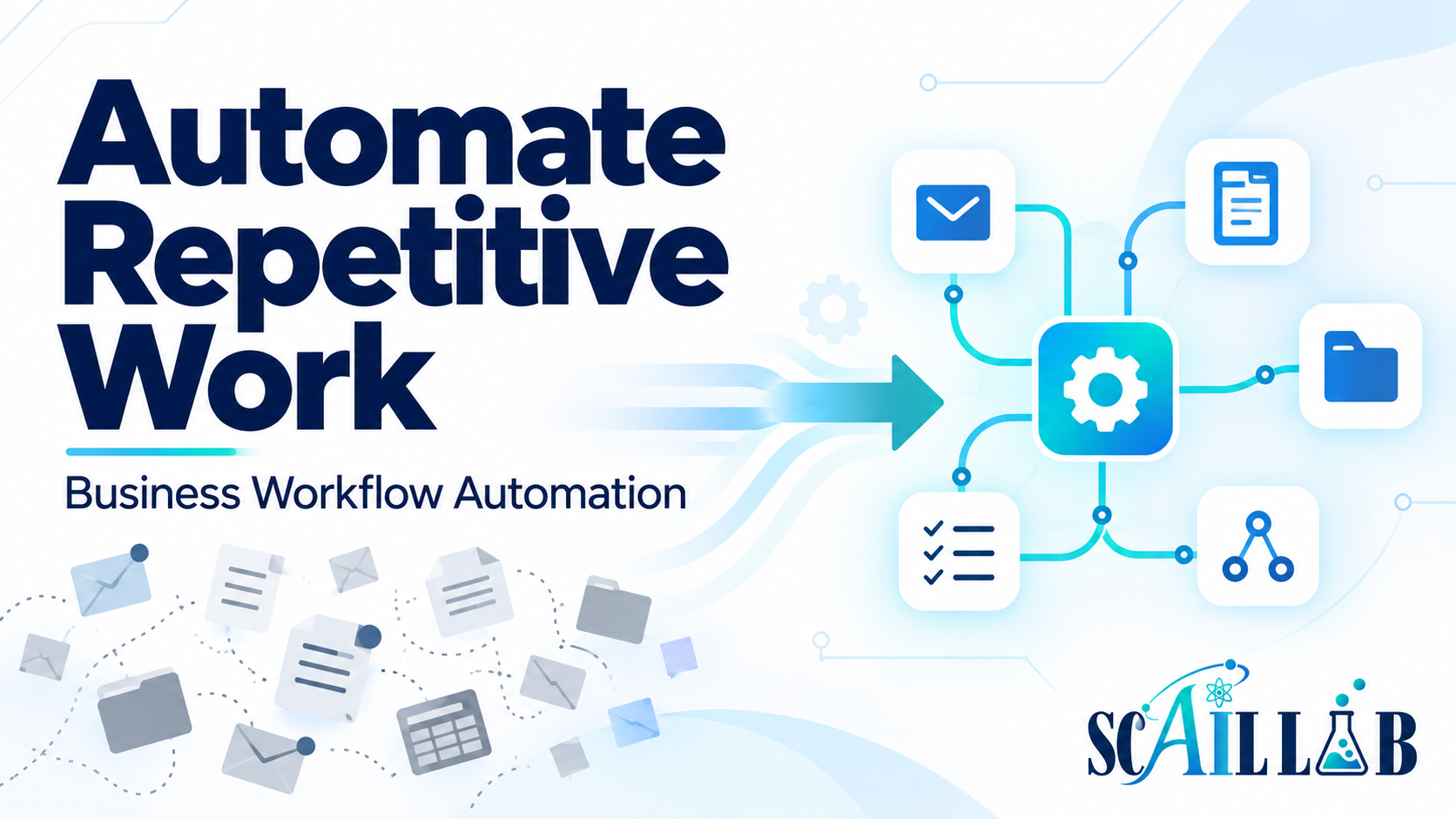
Most businesses have tasks that happen over and over again. A form arrives, someone copies the information into a spreadsheet, another person sends a notification, and someone else remembers to follow up. An email arrives with an attachment, and an employee downloads it, renames it, and saves it in the correct folder.
These tasks may not seem difficult individually. But repeated hundreds of times, they consume valuable time and create opportunities for missed steps, inconsistent records, and delayed responses.
That is where business workflow automation can help.
What is business workflow automation?
Business workflow automation uses software to move information and trigger actions according to a defined process.
An automated workflow might:
- Capture information from a website form
- Add it to a spreadsheet, CRM, or database
- Notify the appropriate person
- Send an acknowledgment email
- Create a folder, task, or record
- Route an inquiry based on its content
- Collect information from several tools
- Produce a report or summary
The goal is not to automate everything. The goal is to make recurring work more dependable. A well-designed workflow handles predictable steps while making it clear when a person needs to review, approve, or make a decision.
The hidden cost of repetitive work
Repetitive work creates more than a time cost. It can also lead to:
- Missed leads or follow-ups
- Duplicate data entry
- Inconsistent file storage
- Unclear ownership
- Incomplete records
- Reporting errors
- Delayed customer responses
When a process depends on someone remembering every step, it becomes fragile. Automation creates a consistent starting point. Information can be captured, logged, routed, and tracked without requiring someone to begin the process manually every time.
Which tasks are good candidates?
The best opportunities are usually repetitive tasks triggered by a predictable event and governed by clear rules.
Lead capture and routing
When someone submits a form, automation can record the details, notify the appropriate team member, and send an immediate acknowledgment. A person can still review the lead and decide what happens next. Automation simply makes sure the information reaches the right place quickly.
Email and document handling
Email attachments often need to be downloaded, renamed, sorted, or saved in a specific folder. A workflow can identify the appropriate messages and save the attachments according to defined rules. This reduces manual handling while creating a more consistent record.
Client onboarding
When a project begins, automation can create folders, send an intake form, notify the team, and provide the client with next steps. That gives everyone a clearer starting point and reduces the chance that an important task is forgotten.
Reporting and follow-up
If a report requires information from several systems, automation can collect and organize the data before sending it to the appropriate person. It can also flag missing information or unusual results for review.
What should not be automated?
Automation is not always the answer. If no one knows who owns a task, which information is required, or what should happen when something goes wrong, automating the process may simply make the confusion happen faster.
Human judgment remains important for:
- Incomplete or unusual requests
- Sensitive customer situations
- High-risk decisions
- Low-confidence AI results
- Exceptions that do not fit normal rules
- Final approvals
The strongest systems automate repetition, preserve judgment, and make exceptions visible.
Start with one recurring problem
Businesses do not need to automate their entire operation at once. Start with one clearly defined process that causes enough friction to be worth improving. This might be lead intake, email attachment handling, appointment follow-up, client onboarding, content approval, or recurring reporting.
Before building anything, review the current process:
- What triggers it?
- Which tools are involved?
- Who owns each step?
- Where is information duplicated?
- What happens when information is missing?
- How is completion confirmed?
Then choose the simplest useful improvement. Not every problem requires artificial intelligence, and not every automation needs to be complicated. Test the normal path and the edge cases. Document what the workflow does. Make sure someone knows how to monitor it and what to do when it needs attention.
Have a repetitive process worth improving?
Scail Lab helps businesses identify repetitive work, connect the tools they already use, and build practical systems around the way their operations actually function.
Explore workflow automationTalk through your workflow